Processed on your device. Zero file bytes uploaded.Verify in DevTools
Tested on iOS 18.1 (Verified 2026-10-24)How to Merge PDF Files on iPhone
In the iPhone Files app, tap the top-right three-dot menu > Select, tap the PDFs you want to combine, then tap the bottom-right three-dot menu > Create PDF, or use the Merge PDF tool below to reorder files visually before merging.
Built-In iPhone Method: iOS Files App (Select > Create PDF)
Verified on iOS 18.1 on 2026-10-24
- 1
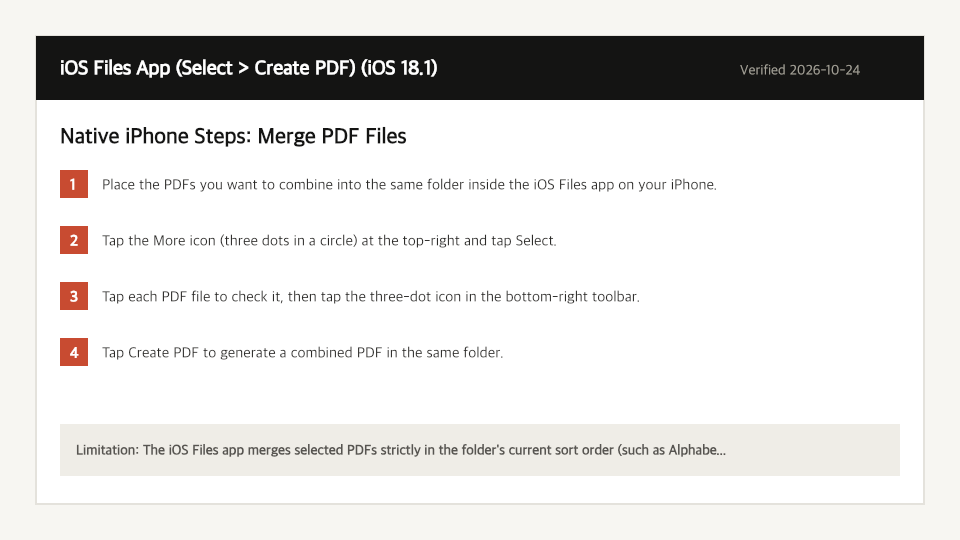
Place the PDFs you want to combine into the same folder inside the iOS Files app on your iPhone.
- 2
Tap the More icon (three dots in a circle) at the top-right and tap Select.
- 3
Tap each PDF file to check it, then tap the three-dot icon in the bottom-right toolbar.
- 4
Tap Create PDF to generate a combined PDF in the same folder.
Where the Built-In iPhone Method Falls Short
- The iOS Files app merges selected PDFs strictly in the folder's current sort order (such as Alphabetical by filename) rather than the order you tapped them.
- You cannot combine PDFs located in different folders without moving or copying them into one folder first.
Merge PDF Files Directly in Your iPhone Browser
Open Full Merge PDF PageUp to 50 MB per file (10 files per batch) on the Free plan. You can also paste a file from your clipboard.
Frequently Asked Questions (iPhone)
- How do I control the order of merged PDFs on iPhone without renaming files?
- Select your PDFs in the Merge PDF workbench on this page, where you can tap the move up and move down buttons to set the exact order before combining.
Related Device Guides
How to Merge PDF Files on MacmacOS Finder Quick Actions (Create PDF) (macOS Sonoma 14.6)How to Merge PDF Files on WindowsWindows File Explorer / Print Queue (No Native PDF Merger) (Windows 11 23H2)How to Edit a PDF on iPhoneiOS Files App (Markup) (iOS 18.1)How to Split a PDF on iPhoneiOS Files App (Print Range Export) (iOS 18.1)How to Scan to PDF on iPhoneiOS Files App (Scan Documents) (iOS 18.1)How to Save a PDF as a JPG on iPhoneApple Shortcuts (Make Image from PDF Page) (iOS 18.1)